-
Launch the Liquid UI for iOS app and to connect to your SAP server. Learn more about how to connect to your SAP Server.
-
After logging to the SAP, navigate to any transaction to tweet. Tap on the settings icon and click on the twitter bird to start tweeting.
Note: Pro aka Enterprise version cannot be activated on easy access screen.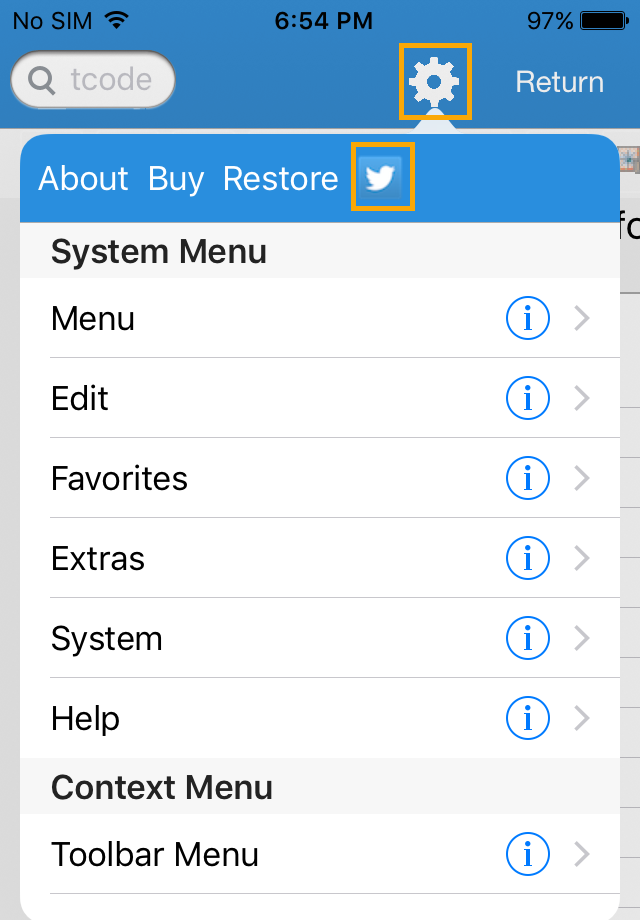
-
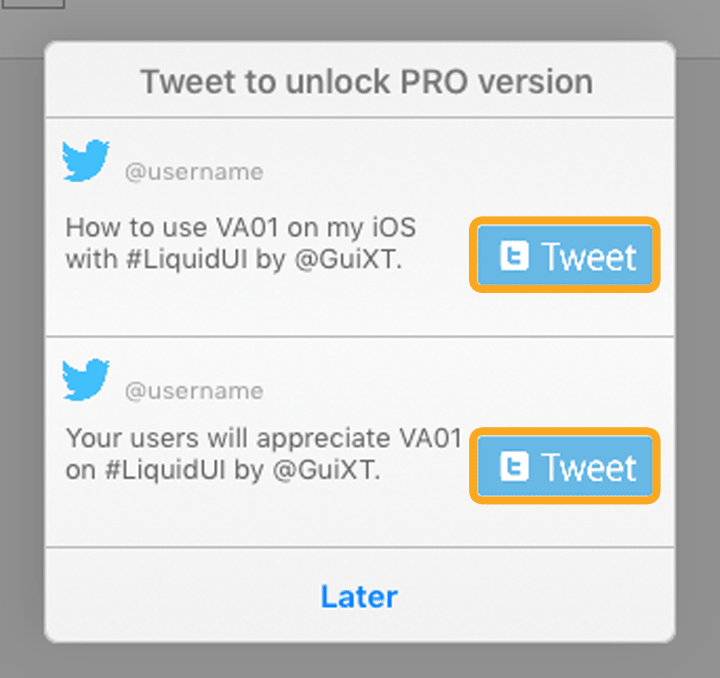
A popup window will appear, click on the corresponding tweet button, next to the text you prefer.
-
Authorize Liquid UI to tweet on your behalf by entering your twitter credentials.
Note: You will need a Twitter account.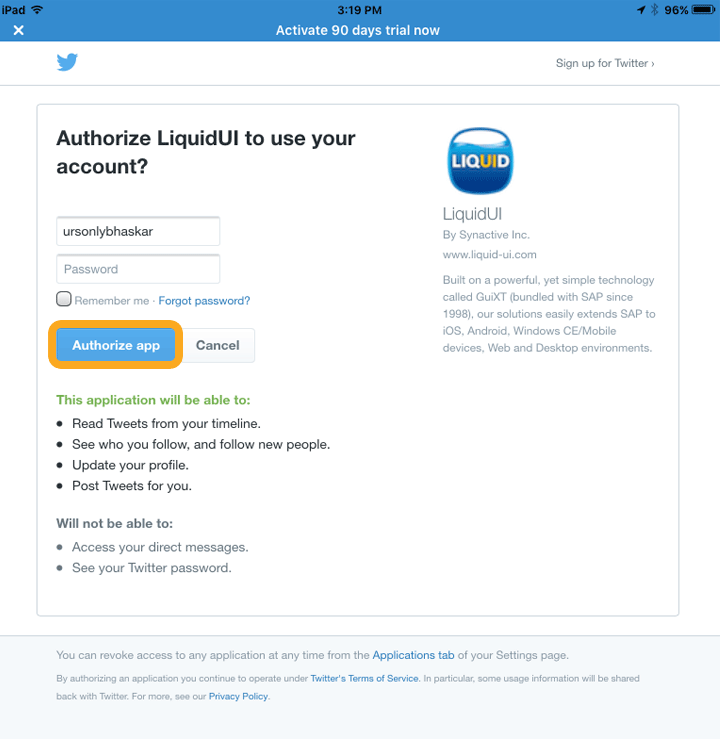
-
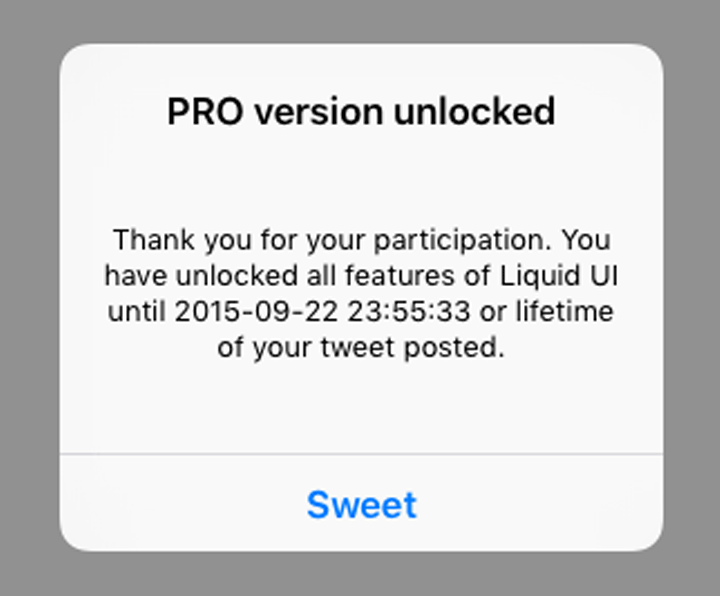
Pro version unlocked window, confirming successful activation of Enterprise version.

-
Your SAP ERP
Get what you want. Choose your SAP ERP.
- Products
-
Rapid Apps
Executive AppsUser AppsIT Apps
-
Services
-
Support
Liquid UI CommunityLIQUID UI TOOLS
- Resources
- Company
- Free Trial