


Getting started with DMC.
After installing the DMC as previously described, log into SAP. Then please do the following to launch the DMC demo version.
-
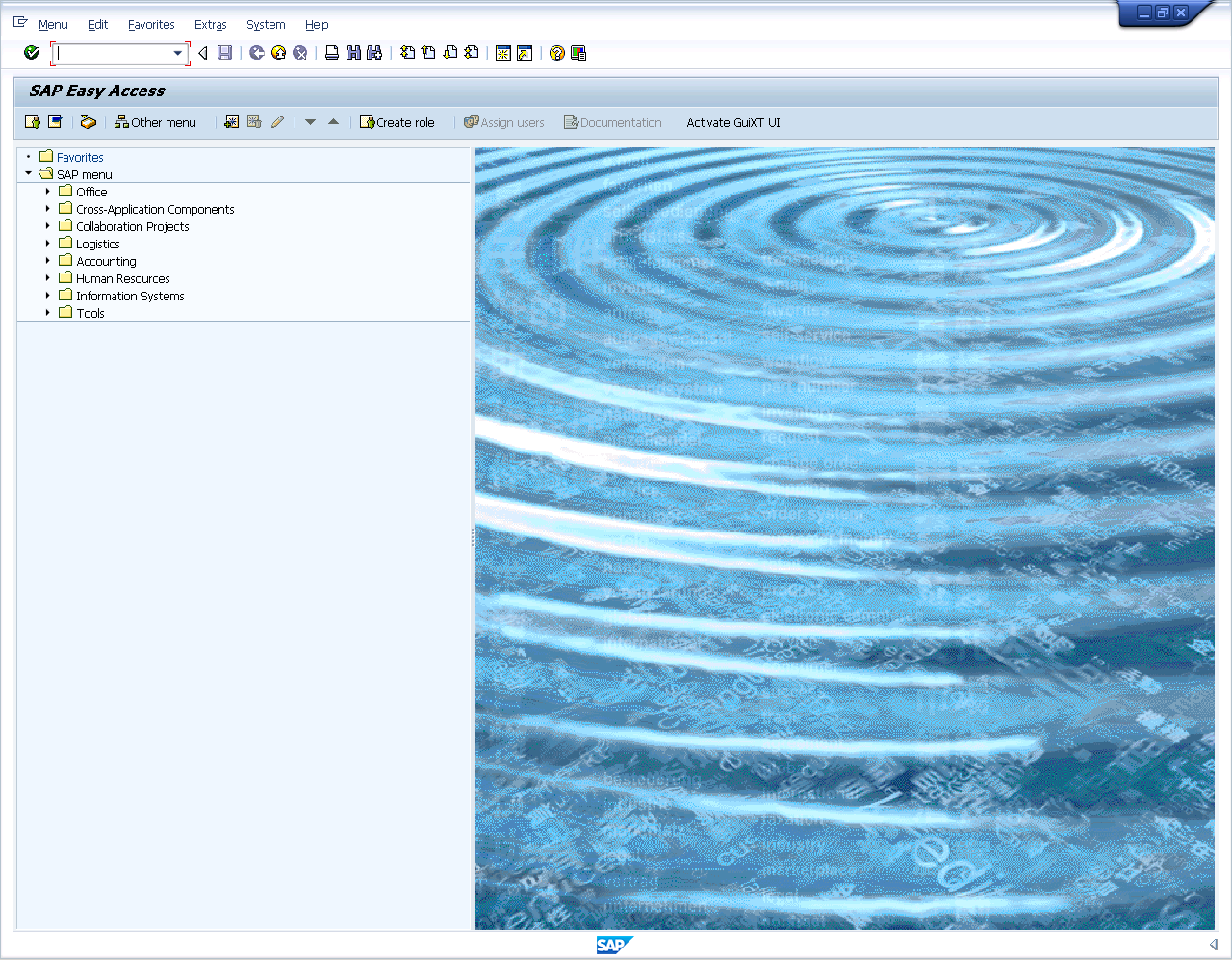
On the SAP Easy Access screen shown below, click the Activate GuiXT UI toolbar pushbutton.
-
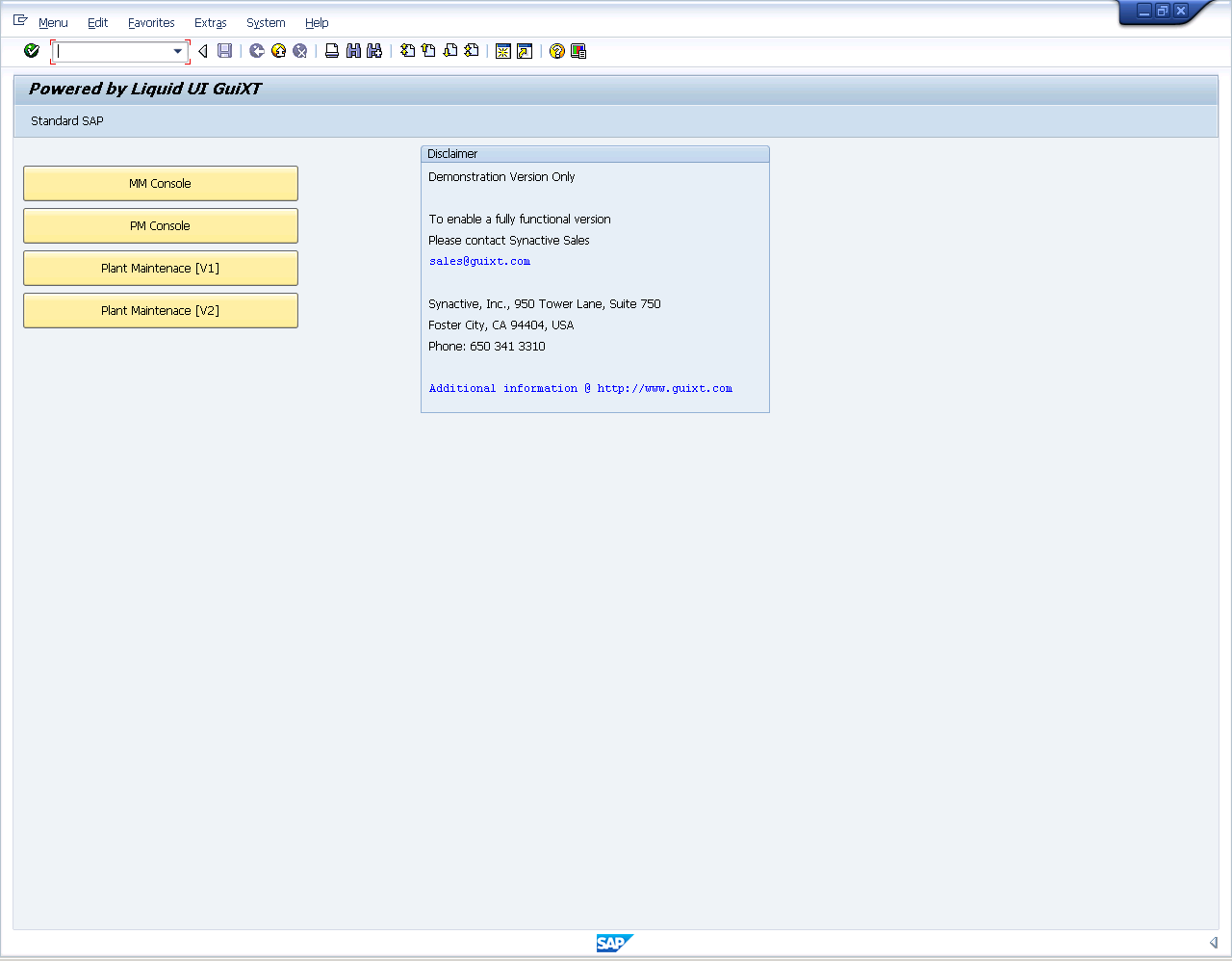
The main Console launchpad will display as shown below:
-
Select the MM Console pushbutton.
-
The initial MM Console screen will display as shown below.
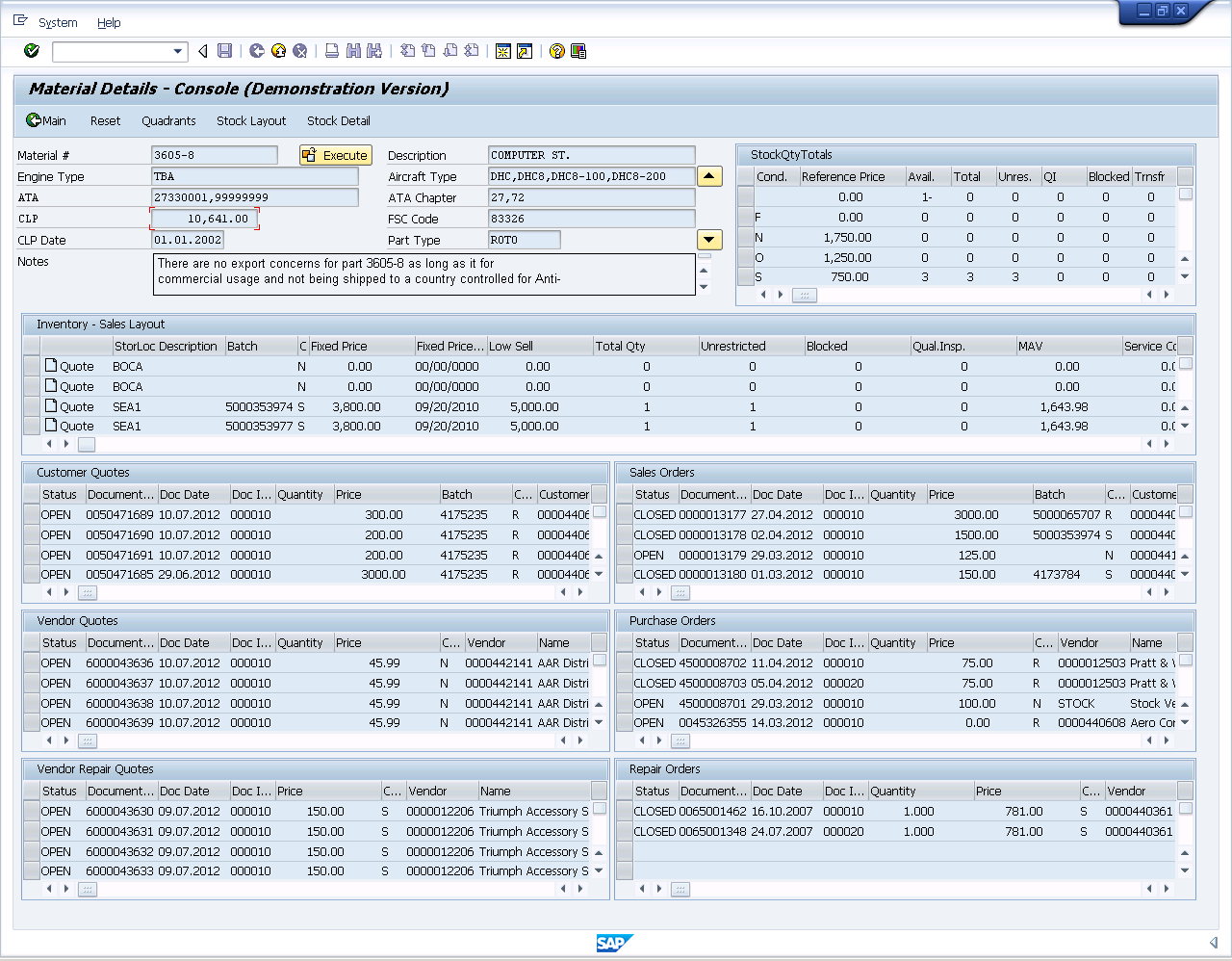
On the initial Console screen, you have two options:
- Enter a material number
- Enter a batch number
Entering a Material Number
To enter a single material number, do the following:
- Enter a material number into the Material # field on the initial screen.
- Click the Execute button.
-
The main Console will display the material details.
Entering a Batch
To enter a single material number, do the following:
- Click the Batch Selection button on the initial screen.
-
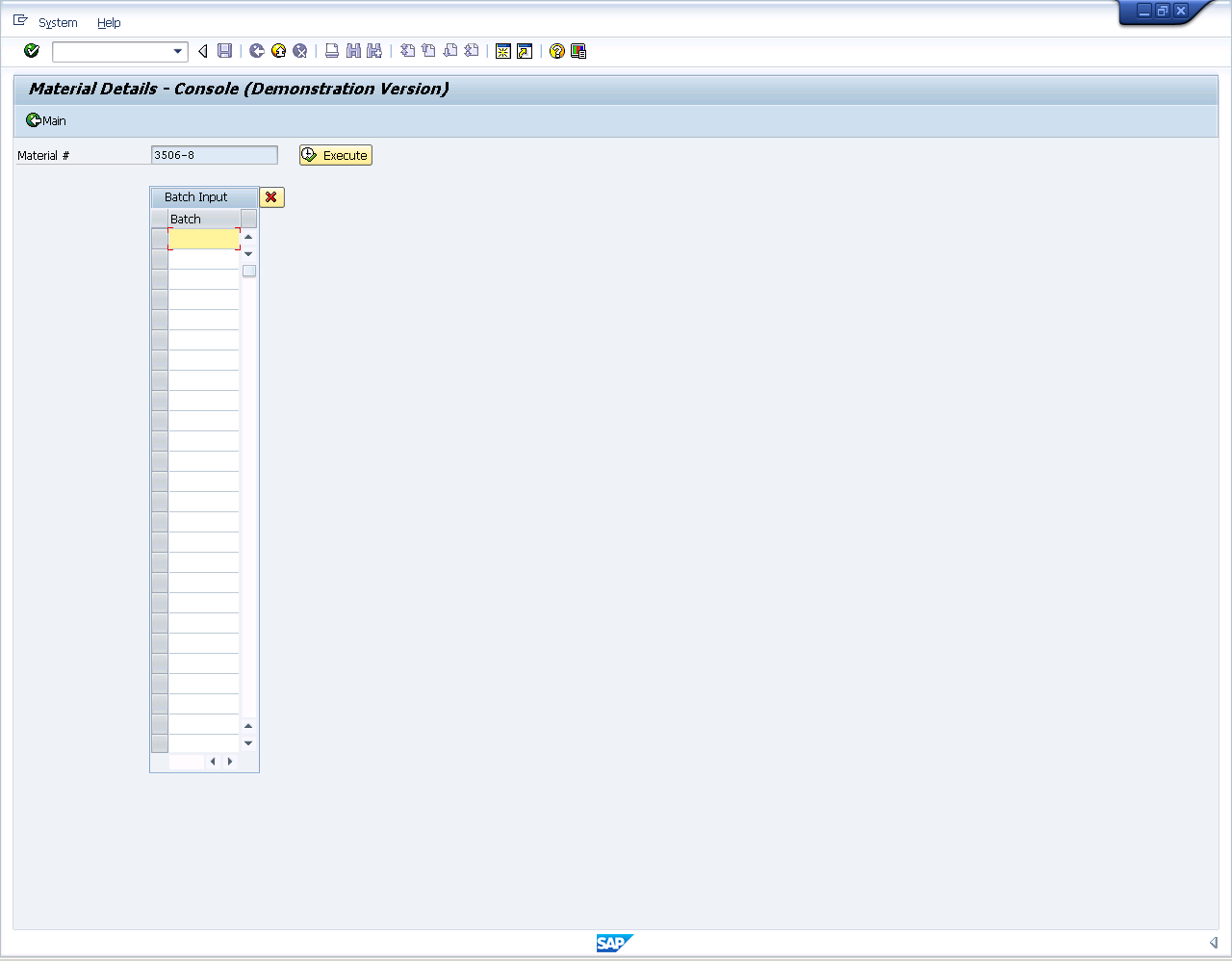
The Batch table will display as shown below. Enter the batch numbers you wish to display in the table and click Execute.
-
The main Console will display the material details.